PUBLIC INTRODUCTION
DFI adjustment, step by step.
A tool to help adjust the throttle-position sensor, with preliminary checks and clear guidance.
FUEL INJECTION MADE CLEAR
What is DFI adjustment for?
DFI is Kawasaki’s electronic fuel-injection system. The throttle-position sensor, or TPS, tells the control unit how far the throttle is open. Adjusting it is part of checking the fuel-injection system.
This unit guides TPS adjustment: it checks the required conditions, shows which way to turn the sensor and indicates when the setting is validated. The user adjusts the sensor mechanically by following the instructions.
THE ADJUSTMENT UNIT
A clear process, step by step
-
Check the equipment and select the motorcycle
The self-test checks the unit. The selected profile determines the adjustment conditions; a blocking fault prevents further progress.
-
Check before adjusting
With the ignition on and the engine stopped, the guided procedure checks the power supplies and the sensor signal. It then asks for repeated throttle sweeps to detect discontinuities.
-
Prepare the engine
The screen asks for a warm engine and an idle speed within the profile’s range. Missing conditions are shown before adjustment.
-
Follow the guidance
The “Far”, “Near” and “OK” states, with arrows and text, guide the correction. Once within tolerance, the screen asks you to stop moving the sensor while the reading stabilises.
-
Validate and finish
The setting is validated after three seconds of stability. Measurement continues while the screws are tightened; a summary confirms the result and the unit keeps an adjustment history.
The project in 3D
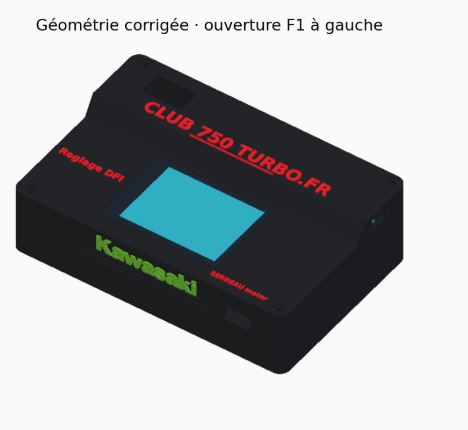
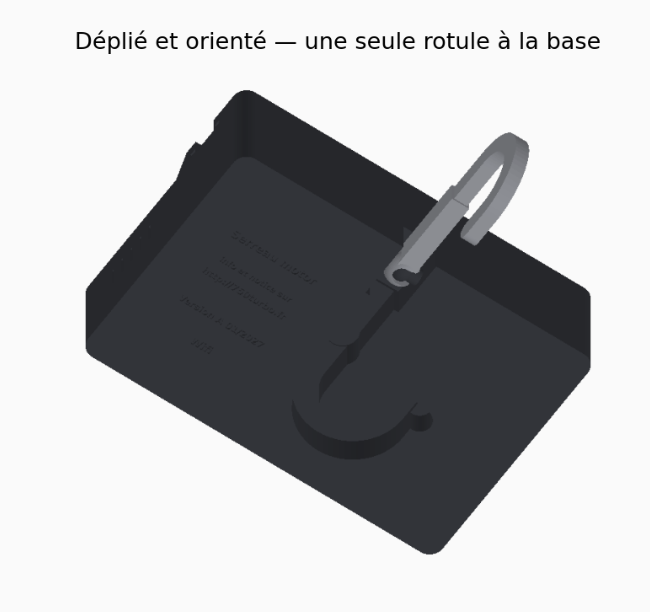
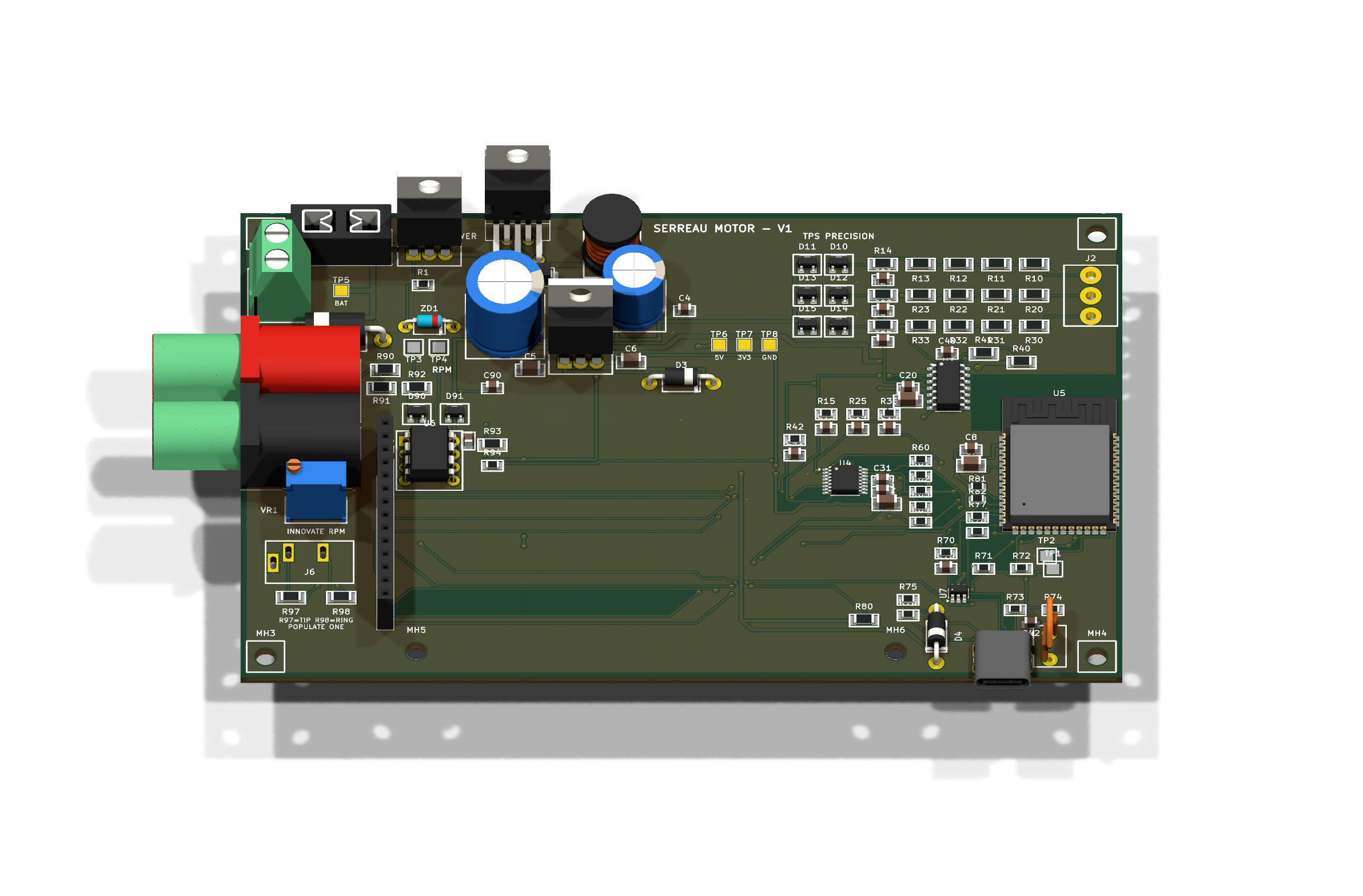
DFI adjustment unit demonstration
Follow the adjustment at your own pace. Choose the demonstration in French, English or German, then start playback.